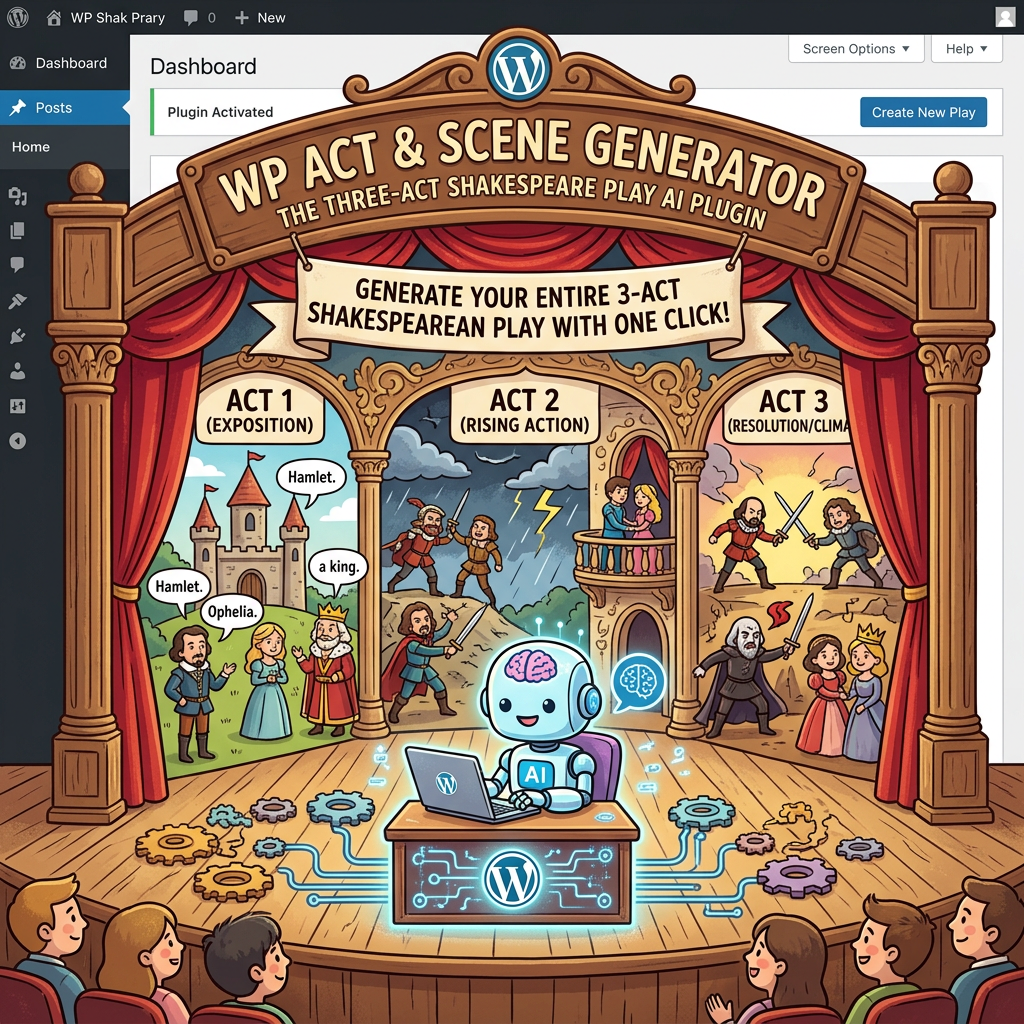
There is a particular kind of silence in software. It is not the absence of sound but the absence of information. A button is clicked, a request is made, and nothing comes back. No error. No explanation. Just a quiet failure dressed up to look like nothing happened at all. I have spent some time recently sitting with that silence, and I wanted to write down what came out of it.
Act One: The Setup
------------------
It started, as these things often do, with a fresh local environment. I had Lando spun up, the WordPress AI plugin freshly installed, and the sort of optimism that comes with a clean slate. I clicked through the UI expecting the kind of magic that the word "AI" tends to imply these days.
What I got instead was a 404. Not a loud one. Not a banner across the screen telling me what was wrong. Just a request that quietly failed in the network tab, and a UI that sat there as if nothing had happened.
For a moment I thought it was me. Wrong configuration, wrong version, wrong something. That is the first instinct of anyone who has done this work long enough. Blame the local setup before you blame the code.
Act Two: The Investigation
--------------------------
The thing about silent failures is that they teach you to read what is not there. I started digging through the plugin, tracing the request, checking what the connector card was actually expecting to find. And what I uncovered, eventually, was that the AI plugin needs provider connector plugins to do anything useful. Without those installed, the UI happily rendered as if everything was fine, while the backend had nothing to talk to.
It was not a bug in the strict sense. The code was doing what it had been told to do. But the user experience had a hole in it the size of a small country. Someone arriving at the plugin for the first time with no other context had no way of knowing that they needed to install something else. The zero state was lying to them by omission.
This is the bit that always gets me about UX in developer tools. The technology can be doing exactly what it was designed to do, and the person in front of it can still be lost. The gap between "the code works" and "the human understands what is happening" is where most of the real work lives.
Act Three: The Contribution
---------------------------
I could have stopped there. Made it work locally, moved on, filed it away in the mental cabinet of things I figured out on a Thursday afternoon. But the whole point of contributing to open source, the part I keep coming back to, is that the next person should not have to repeat the same archaeology I just went through.
So I went and found the right place to write it down. GitHub issue #502 in the WordPress AI repository, the exact conversation I had been having with myself for the past hour, already running with other people in it. I jumped in. Then I started preparing a contribution against connector-card.tsx, the component sitting at the heart of the problem. The idea is simple. When there are no provider connectors available, do not pretend. Say so. Tell the person what they need. Point them somewhere useful.
I am still working through it as I write this. The pull request is not in yet, the discussion on the issue is still moving. But what I have noticed is how much sharper my own thinking has gotten by having to articulate the fix in a way that other people will accept. Open source forces you to be precise about why something is broken, not just that it is.
What I Took From It
-------------------
The whole thing has been a small reminder of something I keep relearning. AI tools, like all tools, fail in interesting ways. Not always with flames and stack traces. Sometimes with a polite, well-styled component that quietly does nothing. The job is not just to make the technology work. The job is to make sure the person on the other side of it understands what is happening, and what to do next.
That is the part that does not change, no matter how much the rest of the stack moves underneath us.